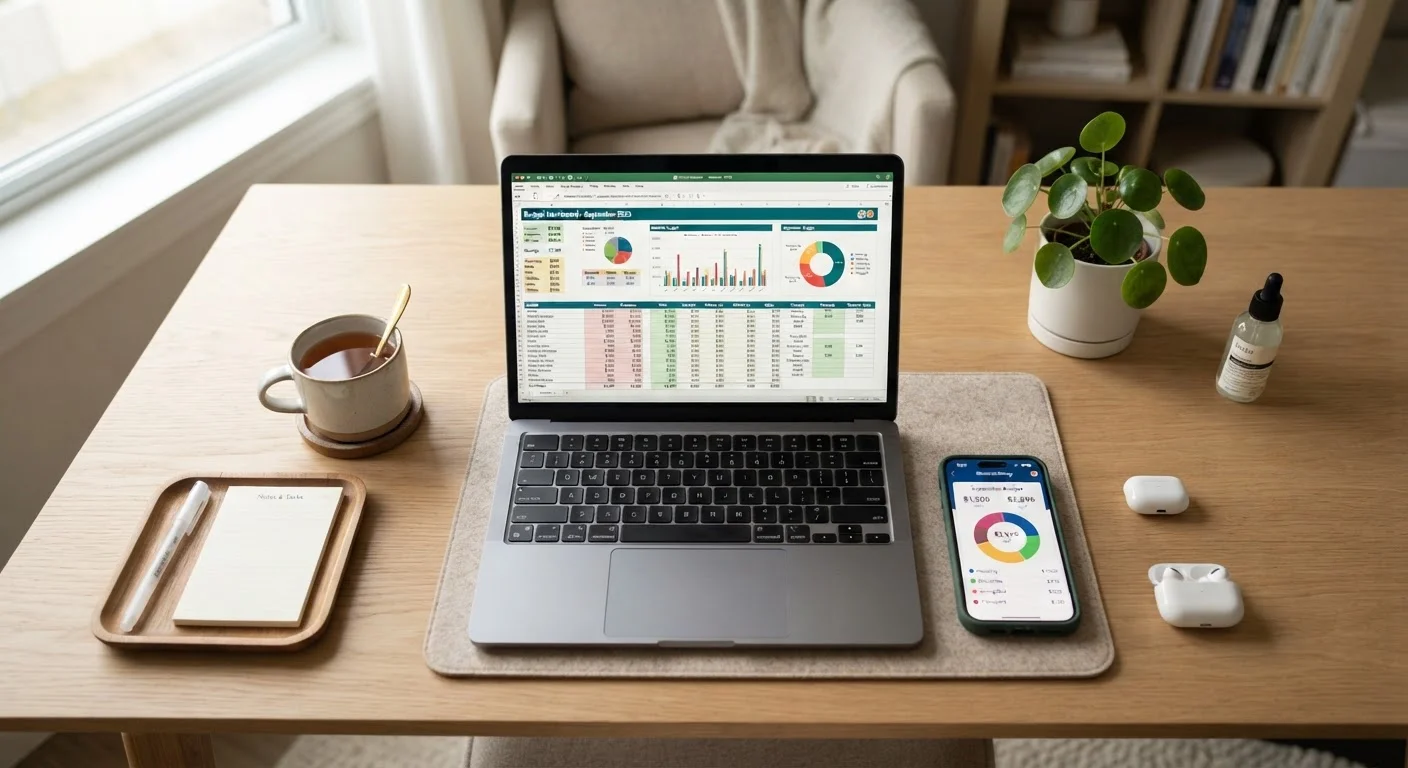
What You're Actually Choosing Between
When people debate spreadsheets versus budgeting apps, they're really debating two things: how much control they want and how much time they're willing to spend. Both tools can help you understand where your money goes. Neither will do it for you without some engagement on your part.
A spreadsheet - whether in Google Sheets or Excel - is a blank canvas. You define the categories, write the formulas, and enter the numbers. A budgeting app, by contrast, typically connects to your bank and card accounts, pulls in transactions automatically, and sorts them into preset or lightly customizable categories. The tradeoff is flexibility versus automation.
This distinction matters because the best budgeting tool is the one you'll actually use consistently. If manual entry feels like a chore, a spreadsheet will gather dust after week three. If handing app access to your financial accounts feels uncomfortable, you may never trust the data enough to act on it.
For a broader look at how these tools fit into a full spending plan, see the complete guide to building a budget.
| Criterion | Spreadsheets | Budgeting Apps |
|---|---|---|
| Setup time | High - build from scratch or template | Low - guided onboarding |
| Ongoing time required | High - manual data entry | Low - automated syncing |
| Customization | Unlimited flexibility | Limited to app's structure |
| Cost | Free (Google Sheets) or low | Often monthly/annual fee |
| Privacy | No bank access required | Requires account connection |
| Visualization | Manual charts/formulas | Built-in dashboards |
| Best income type | Variable or complex income | Regular, predictable income |
| Categorization accuracy | As accurate as you enter | Automated but imperfect |
Where Spreadsheets Have the Edge
The core advantage of a spreadsheet is that it imposes no assumptions on your financial life. You can create a tab for sinking funds, model out a debt payoff scenario, or build an irregular income tracker from scratch - all within the same file. For households with non-standard income, multiple income sources, or highly specific savings goals, that flexibility is genuinely valuable.
Spreadsheets also carry no recurring cost. Free templates are widely available, and Google Sheets requires nothing beyond a Google account. For budget-conscious users, paying a subscription to manage their budget is a real irony worth avoiding.
There's also a cognitive benefit to manual entry that's underappreciated: typing in your grocery total forces you to actually see the number. Some research in behavioral economics suggests that friction - the small effort of manual input - can increase spending awareness. That said, this benefit evaporates if the friction becomes demotivating.
Spreadsheets pair especially well with structured approaches like zero-based budgeting, where every dollar is assigned a category before the month begins and reconciled at the end.
~40%
Americans without a working budget
Surveys consistently show that a large minority of U.S. adults do not track their monthly spending in any structured way, regardless of income level.
10 min/week
Minimum viable review session
Financial planners commonly suggest that even a brief weekly check-in - entering receipts or reviewing app transactions - is enough to maintain budget awareness.
1 in 3
App users who stop after one month
User engagement data from personal finance platforms suggests many users abandon budgeting apps within the first month if the setup friction isn't overcome early.
Where Budgeting Apps Have the Edge
The clearest advantage of budgeting apps is time. If an app syncs with your accounts, you don't need to log every coffee or gas fill-up manually - transactions appear within hours. For people with busy schedules or those tracking spending across multiple accounts and cards, this automation is the difference between actually reviewing finances weekly and never getting around to it.
Apps also tend to offer better visualization out of the box: pie charts of spending by category, month-over-month trend lines, and alerts when you're approaching a limit. These features require significant formula work to replicate in a spreadsheet.
The tradeoff is privacy and cost. Most apps that sync bank accounts use third-party aggregation services, meaning your login credentials or read-only tokens are held by an external provider. This is a legitimate concern, not paranoia - and it's worth reading the data-sharing policies of any app before connecting accounts. Additionally, capable apps often charge monthly or annual fees that add up over time.
Automated categorization is also imperfect. Apps will routinely miscategorize merchants, and you'll need to correct and train the system over time - particularly with less common vendors. Couples managing joint finances may also run into sharing limitations; our guide on budgeting as a couple covers structures that work well in shared-account scenarios.
On App Security and Data Sharing
Most budgeting apps that connect to bank accounts use read-only access, meaning they cannot move money - only view transactions. However, they do transmit your financial data to third-party aggregators. Before connecting any account, review the app's privacy policy and data-sharing practices. If you're uncomfortable with that arrangement, a spreadsheet is a fully private alternative that works just as well for tracking purposes.
How to Decide - and What to Try First
Start by answering two questions honestly: How regular is your income? and How comfortable are you with spreadsheet formulas? If your income is variable - freelance, seasonal, commission-based - a spreadsheet's flexibility is usually worth the manual work. Our guide on budgeting strategies for irregular income outlines exactly how to structure that kind of tracker.
If your income is predictable and your main challenge is simply not knowing where your money goes, a budgeting app's automation will surface that information faster and with less friction.
A practical starting approach: try a free budgeting app for 30 days without abandoning your existing habits. At the end of the month, look at your actual spending versus what you thought you spent. If the gap surprises you, the app is already doing its job. If you found the miscategorizations frustrating and the privacy trade-off uncomfortable, switch to a template-based spreadsheet and commit to a weekly 10-minute entry session.
Neither approach requires perfection. Whichever tool reduces the gap between what you think you're spending and what you're actually spending - that's the right one for you. For a look at broader money management philosophies that sit underneath either tool, see pay-yourself-first vs. traditional expense tracking.
This article is for general informational purposes only and does not constitute personalised financial advice. For guidance tailored to your specific circumstances, consult a qualified financial professional.