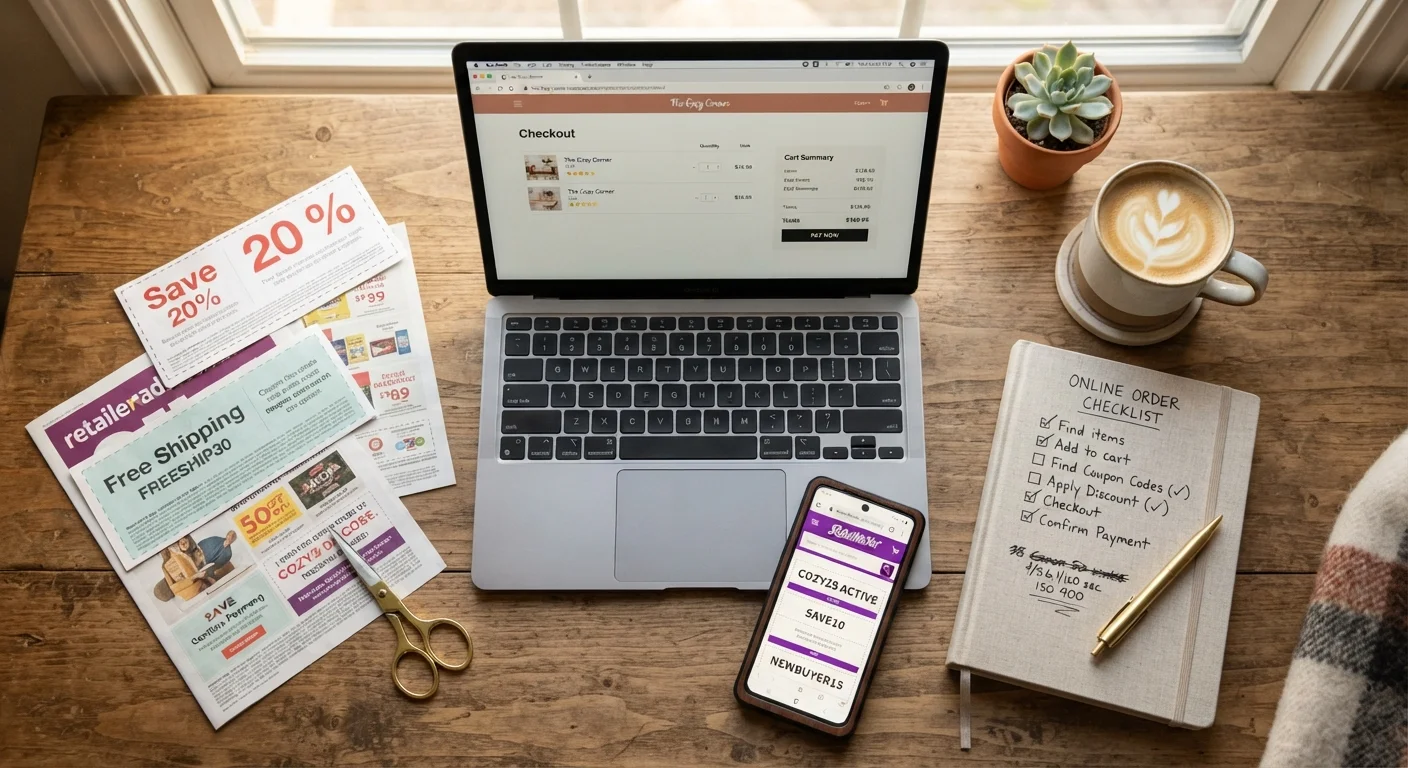
Why a Pre-Checkout Checklist Pays Off
Most missed savings happen in the final 60 seconds before an order is placed. Shoppers who are ready to be done clicking move fast - and retailers know it. A quick, structured pause before you confirm payment is one of the highest-return habits you can build. This checklist turns that pause into a repeatable system.
If you've never used a discount code before, start with our beginner walkthrough first, then return here. For everyone else, run through each group below before your next order.
Before You Open Your Cart
Finding a Valid Code
Applying and Stacking Discounts
Final Review Before Placing the Order
Tools That Speed Up the Process
You don't need to manually search a dozen sites every time you shop. The right set of tools can surface codes, compare prices, and apply cashback with minimal effort. Below are the categories of tools worth having in place before you reach checkout.
Cashback Browser Extension
Automatically activates cashback tracking and surfaces available promo codes when you visit a participating retailer's site.
Coupon Aggregator Site
Consolidates community-verified promo codes for thousands of retailers, with filters to find recently confirmed working codes.
Retailer Loyalty Account
Stores accumulated points, member-only pricing, and exclusive offers that can be combined with external codes.
Credit Card Rewards Dashboard
Shows active merchant offers linked to your card, which can stack on top of promo codes for additional savings.
Password Manager with Card Autofill
Speeds up checkout so a saved code doesn't expire while you're searching for payment details.
For a broader view of how price comparison fits into smart shopping habits, see the price comparison tips hub.
Common Sticking Points and How to Handle Them
Even prepared shoppers hit friction at checkout. Knowing the common snags in advance keeps you from giving up on a valid discount.
The promo code field isn't visible. Some retailers collapse or hide the discount entry field - especially on mobile. See our guide on finding hidden promo fields for retailer-specific navigation tips.
The code applies but savings seem wrong. Check whether the discount is applied before or after shipping, and confirm which items in your cart are eligible. Some codes exclude sale items, specific brands, or certain categories - these exclusions are usually listed in the coupon's fine print.
You're not sure if stacking is allowed. As a general rule, one promo code per order is standard, but cashback portals and loyalty point redemptions often stack on top. Read the offer terms carefully rather than assuming either way.
Don't Let a Code Push You Over Budget
A discount code that unlocks free shipping at $75 is only a saving if you were already planning to spend close to that amount. Adding items solely to hit a code threshold can cost more than the discount is worth. Set a maximum spend before you start applying codes, and stick to it.
Unverified Codes Can Trigger Errors at Checkout
Entering an expired or fraudulent code on some checkout platforms can occasionally flag your session or, in rare cases, cause cart issues. Use aggregator sites that show a 'last verified' date, and avoid codes from unrecognised third-party sites that require you to complete surveys or sign-ups.
For practical strategies to keep your budget intact while using codes, the article on making promo codes work without overspending covers the key habits. And for broader savings strategies beyond individual checkouts, the Saving & Deals hub is a useful ongoing reference.