What Is a Promo Code, Exactly?
A promo code - also called a discount code or coupon code - is a short string of letters, numbers, or both that you enter during online checkout to reduce your order total. When valid, the retailer's system automatically deducts a set dollar amount or percentage from your cart, waives shipping, or unlocks some other benefit.
For a deeper look at how these codes differ from traditional paper coupons and how the mechanics work, see Coupons & Promo Codes Explained.
Where to Find Promo Codes
The most dependable sources of valid codes are the retailers themselves. Sign up for a retailer's email list and you'll often receive a welcome discount - sometimes automatically applied to your first order, sometimes delivered as a code to enter manually.
- Retailer emails and SMS: New-subscriber offers and seasonal promotions are sent directly to your inbox or phone.
- Retailer website banners: Codes are sometimes displayed right on the homepage or in a sticky header bar.
- Coupon aggregator sites: These platforms collect publicly available codes from many retailers in one place. Code validity varies, so test before you rely on one.
- Browser extensions: Some extensions automatically test known codes at checkout and apply the one that saves you the most. Read the extension's privacy policy before installing.
- Social media and brand newsletters: Brands occasionally share exclusive codes with followers or loyalty subscribers.
Curious about why certain codes only reach certain shoppers? How Retailers Decide Who Gets a Promo Code explains the targeting logic behind distribution.
How to Apply a Code at Checkout
The process is largely the same across retailers, though the exact screen layout varies.
- Add items to your cart and proceed to checkout.
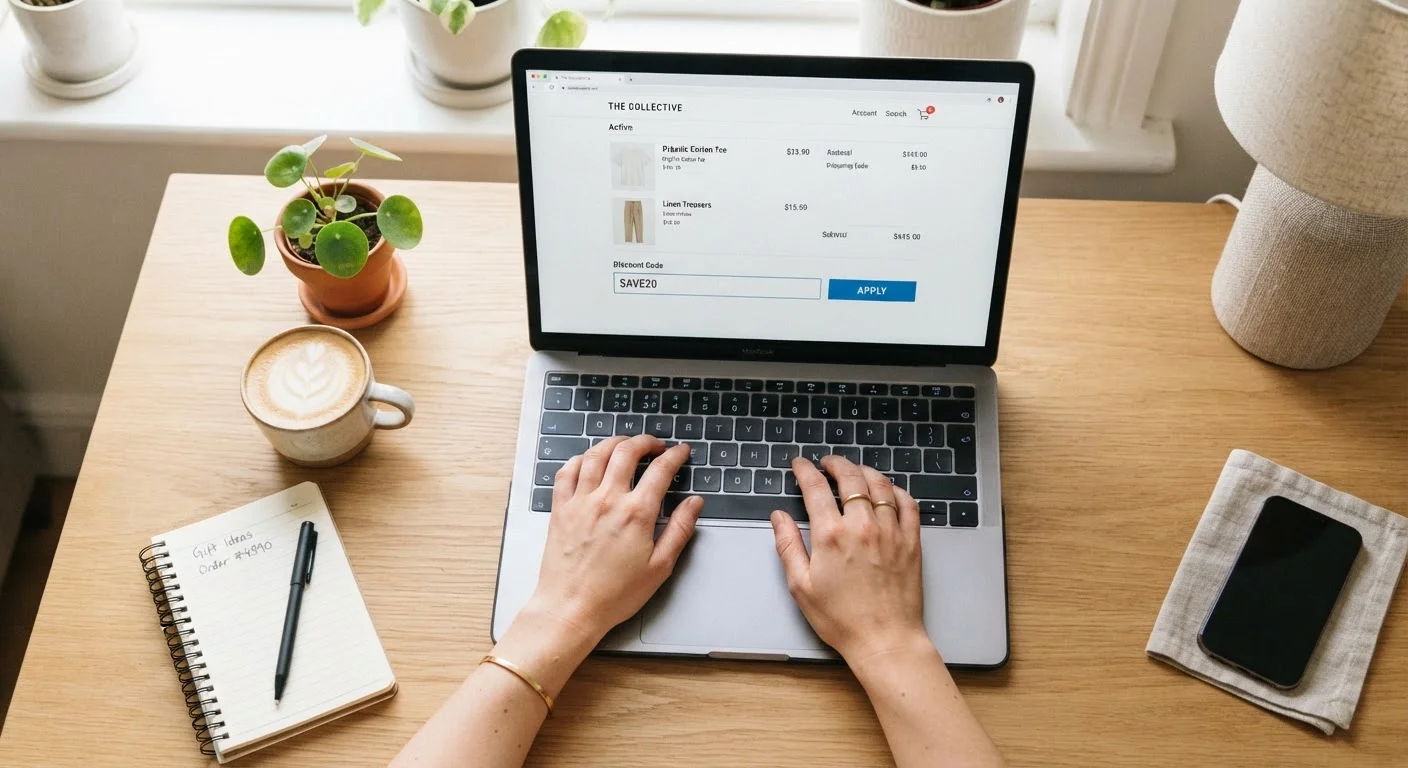
- Locate the code field. It's typically on the order summary page, labeled 'Promo code,' 'Discount code,' or 'Gift card/promo code.' On mobile, you may need to scroll down to find it.
- Type or paste the code exactly as given - most codes are case-insensitive, but some are not. Avoid extra spaces.
- Click 'Apply' or press Enter. The discount should appear in your order total immediately.
- Confirm the new total before paying. Always verify the deduction was applied correctly before you complete the purchase.
Some checkout flows bury or collapse the code field. If you're having trouble locating it, Applying a Promo Code When the Field Is Hidden or Greyed Out walks through the common workarounds.
Copy, Don't Type
Always copy a promo code directly from the source and paste it into the field rather than retyping it. This eliminates the most common cause of failed codes: a mistyped character or accidental extra space. On mobile, long-press the code text to access the copy option.
Common Reasons a Code Doesn't Work
Most code failures trace back to a handful of predictable causes. Before giving up on a code, check each of these:
- Expired code
- Every promo code has an end date. Aggregator sites don't always remove outdated codes promptly, so always note when the code was listed.
- Minimum order threshold not met
- Many codes require a minimum cart value (for example, $50 or $75) before they activate. Review the code's terms or the error message the retailer displays.
- Excluded categories or items
- Sale items, electronics, or certain brands are frequently excluded from discount codes. If only some of your cart items are eligible, the code may still apply a partial discount.
- One-time or single-account use
- Some codes are issued for a single use per customer account. If you've used it before - or created a second account - the code will be rejected.
For a full plain-language breakdown of these restrictions, Coupon Code Terms and Conditions decodes the fine print.
Watch for Misleading 'Codes' Online
Some sites list placeholder codes like 'SAVE10' that don't actually work - they exist to attract traffic, not to save you money. If a code consistently fails across multiple retailers or seems too generic, it's likely a filler listing. Treat any code from an unfamiliar third-party site with skepticism until you verify it at checkout.
Staying in Budget While Using Codes
Promo codes are genuinely useful, but they can also encourage you to spend more than you planned - particularly when a minimum spend threshold sits just above your current cart total. A few habits help keep savings real:
- Decide what you need before searching for a code, not after.
- Calculate whether adding items to hit a threshold actually saves money overall, or just increases your spending.
- Pair a valid code with a cashback program where the retailer's terms allow it - Cashback & Rewards covers how to layer these strategies effectively.
- Use price comparison tools to confirm the post-code price is genuinely competitive before checkout.
For a detailed look at staying within budget while still using codes effectively, see Getting the Most from a Promo Code Without Spending More Than You Planned.