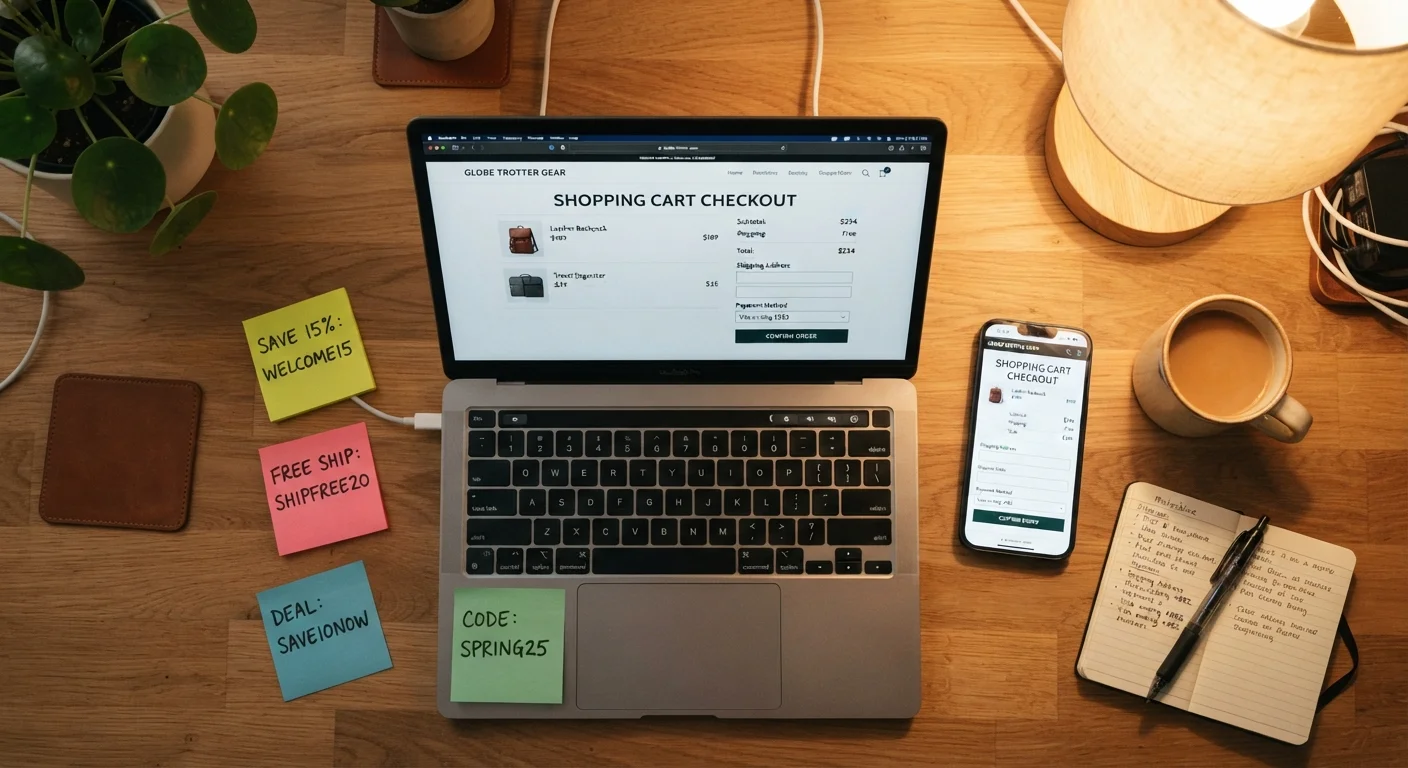
Why the Obvious Search Often Fails
Typing a retailer's name plus "promo code" into a search engine is most shoppers' first move - and often their only one. The results tend to surface the same handful of aggregator sites, many of which publish expired or unverified codes. That experience has trained a lot of shoppers to assume discount codes are hard to find or rarely work.
The reality is different. Retailers distribute codes across a surprisingly wide range of channels, many of them deliberately separate from public search. Understanding where those channels are - and why retailers use them - is what separates shoppers who consistently find working codes from those who don't. The logic behind how retailers distribute codes matters here: targeted, channel-specific offers are generally fresher and more likely to work than codes posted on open aggregator pages.
Below are the non-obvious places worth checking before you finalize any order.
Cart abandonment emails
When you add items to a cart and leave without buying, many retailers trigger an automated follow-up email - sometimes within an hour, sometimes within 24 hours. These emails frequently include a discount code that isn't available anywhere else. The code is meant to recover the sale, so retailers have an incentive to make it meaningful.
To use this deliberately: build a cart with the items you actually want, then close the browser without checking out. If you've previously created an account or entered your email, watch your inbox. Not every retailer does this, and the timing varies, but it's a reliable source of codes for those that do. Checking your spam or promotions folder is worth the extra step.
Cart abandonment codes are often the freshest, most generous offers a retailer will send you.
Loyalty program dashboards and account pages
Logged-in account pages frequently contain personalized offers that are never published publicly. These might appear as "offers for you," reward redemption codes, or member-exclusive discounts tied to your purchase history. Because they're account-specific, coupon aggregator sites can't list them.
It's worth logging in and navigating to your account dashboard before checking out - not just to the homepage. Look for sections labeled "My Offers," "Rewards," or "Exclusive Deals." Some programs also send personalized codes by email to loyalty members that differ from the general promotional codes visible to anyone. The cashback and rewards hub covers how to get more from these programs broadly.
Personalized loyalty codes live inside your account, not on any public coupon page.
Verified community discount portals
Many retailers maintain separate discount programs for students, military members, first responders, healthcare workers, teachers, and other groups. These are typically verified through a third-party identity service and accessed through a dedicated portal or a specific URL. The discounts are often deeper than standard promotional codes and are refreshed on a regular schedule.
If you're eligible for any of these categories, it's worth checking directly on the retailer's website - usually under "About Us" or in the footer - whether such a program exists. These offers almost never appear on general coupon sites because they require identity verification to access.
Verified group discounts are often deeper than public codes and require no coupon hunting.
Retailer SMS and app-only channels
Text message programs and mobile apps are increasingly used as separate discount channels. Codes distributed through SMS are typically short-lived and not reproduced elsewhere, making them fresher than anything on a public aggregator. App-exclusive offers work similarly - the retailer gates the discount behind downloading or opening the app.
The tradeoff is clear: you're exchanging your phone number or app install for access to a discount channel. Whether that's worthwhile depends on how often you shop with that retailer. For occasional purchases, it may not make sense. For stores you use regularly, it's often one of the most reliable ways to receive valid, timely codes. The tradeoffs of signing up for retailer communications applies equally to SMS programs.
SMS codes are short-lived and rarely republished, making them some of the most reliably valid offers available.
Brand social media and newsletter archives
Some retailers post codes in places that aren't indexed the same way as their main site: Instagram captions, X (formerly Twitter) posts, Facebook groups for loyalty members, or dedicated brand newsletters. These codes are often tied to a campaign or content push rather than a general sale, so they don't always show up in coupon database searches.
Following brands on social media specifically to monitor for codes is a reasonable strategy for retailers you shop with consistently. Brand newsletters - separate from transactional purchase emails - often contain codes embedded mid-email rather than as the primary subject line, which makes them easy to overlook. Scanning the body of recent emails, not just the subject line, can surface codes you'd otherwise miss.
Codes buried in newsletter body text or social captions are frequently overlooked and more likely to still be valid.
New account welcome flows
Many retailers send a welcome discount to new email subscribers or newly registered account holders. If you haven't yet created an account with a retailer where you plan to make a purchase, doing so before checkout - and waiting briefly for the welcome email - can surface a code that doesn't require any additional searching.
This is a one-time use per email address, and retailers vary in whether they offer it at all. Some deliver the code immediately in the welcome email; others include it in a second email a day later. It's worth factoring this into your timing if a purchase isn't urgent. Note that the common myths about promo codes article addresses why new customer offers aren't always as universally available as shoppers assume.
A new account welcome code is a one-shot opportunity - worth timing deliberately before a planned purchase.
Live chat and customer service interactions
Customer service representatives - whether through live chat, phone, or email - sometimes have the ability to apply a discount to retain a customer or resolve a concern. This isn't a guaranteed outcome, and it shouldn't be misrepresented as a complaint if you don't have one. But if you have a genuine question about a product, are a returning customer, or are comparing prices with another retailer, mentioning it during a service interaction occasionally results in a code being offered.
This approach works best when it's honest and conversational. Representatives are more likely to offer assistance when the interaction is straightforward. It's not a reliable primary strategy, but it's a legitimate channel some shoppers overlook entirely.
Customer service interactions occasionally surface codes that aren't distributed through any other channel.
Making This a Habit Before Every Checkout
None of these channels requires significant time investment once you know they exist. The practical approach is to build a quick pre-checkout routine: check your loyalty dashboard, glance at any recent brand emails, and if you're eligible for a verified community discount, confirm it's applied. For a structured version of that routine, the coupon-readiness checklist is a useful reference to run through before placing any order.
One caution worth keeping in mind: finding a code doesn't automatically mean using it is the right financial decision. Codes can encourage larger orders than you planned. The guide to using promo codes without overspending covers practical habits for staying within budget while still capturing real savings. If you want to compare how browser extensions stack up against coupon sites for automated code-finding, that comparison is also worth a read.
Check the code field before assuming there isn't one
Some checkout pages hide or grey out the promo code field under certain conditions - for instance, when a sale price is already applied or when you've arrived via a specific link. If you have a code but can't find where to enter it, the guide to applying codes when the field isn't visible walks through what to check. Don't assume the field is missing - it may simply need to be revealed.