How Each Approach Actually Works
Understanding the mechanics behind each tool helps you set realistic expectations. For a primer on what discount codes are and how they reduce your checkout total, see our guide to coupons and promo codes.
Browser Extensions
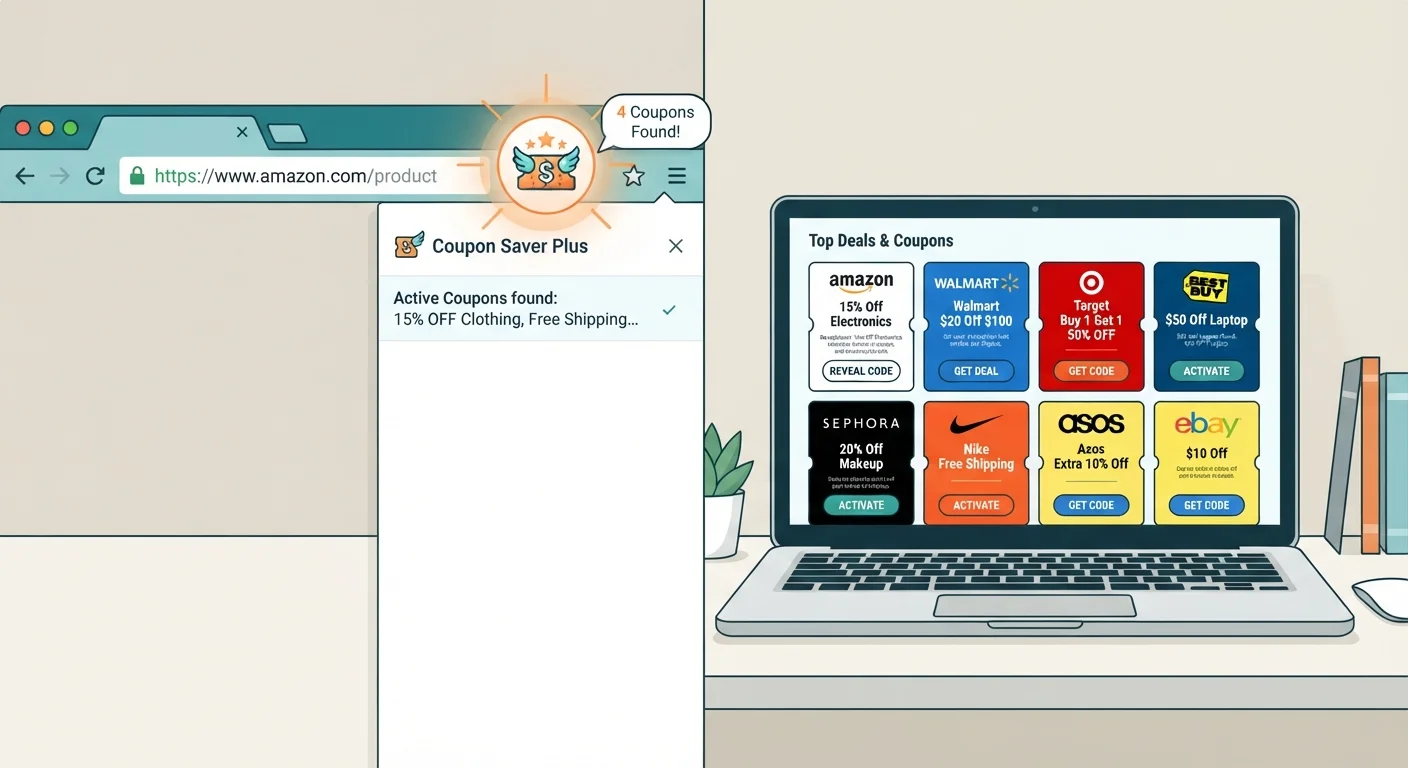
Shopping extensions install directly into your browser - Chrome, Firefox, Safari, and Edge are commonly supported. When you reach a retailer's checkout page, the extension detects the site, pulls codes from its database, and cycles through them automatically. The highest-value working code is typically applied. You don't have to search for anything; the process runs passively in the background.
Some extensions also layer in cashback offers or price-drop alerts. That broader feature set can be useful, but it also means the extension is monitoring your activity across more sessions than just checkout moments. Understanding what data is collected - and why - is important before installing any tool.
Coupon Websites
Dedicated coupon sites are searchable databases, typically organised by retailer or category. You visit the site, search for the store you're shopping at, and browse a list of codes along with user-reported success rates and expiration dates. You then copy a code and paste it manually at checkout.
The trade-off is effort: you need to open a separate tab, evaluate which code looks most promising, and test it yourself. The upside is visibility - you see all available codes at once rather than having an algorithm select one for you.
| Criterion | Browser Extensions | Coupon Websites |
|---|---|---|
| Setup required | Install extension in browser | No installation needed |
| Code application | Automatic at checkout | Manual copy and paste |
| Code visibility | Algorithm selects one code | All available codes listed |
| Retailer coverage | Strong for major retailers | Broader for niche stores |
| Expired code handling | Skipped silently | Community-flagged (may lag) |
| Privacy exposure | Browsing data collected | Standard web tracking only |
| Stacking visibility | Limited - one code applied | Multiple codes visible to compare |
Coverage, Accuracy, and the Expired-Code Problem
Both methods share a common weakness: stale codes. Retailers can deactivate a promo code at any time, and neither extensions nor coupon sites update their databases in real time. The difference is in how each handles failure.
Extensions quietly skip non-working codes and move to the next candidate, so you may never know how many failed. Coupon sites rely on community reports to flag dead codes - which means accuracy improves with site traffic but lags for smaller retailers or niche stores.
Coverage also varies. Extensions tend to work best with large, high-volume retailers where their databases are well maintained. Coupon websites, particularly those with active user communities, sometimes surface codes for smaller or specialty stores that extensions haven't indexed. If you're shopping somewhere less mainstream, a manual search on a coupon site is worth the extra minute.
~50%
Coupon codes that fail at checkout
Industry estimates suggest roughly half of publicly circulating promo codes are expired or invalid at any given time, underscoring the need to verify before relying on any single source.
3-5
Codes tested per session by extensions
Most shopping extensions cycle through a small pool of candidate codes per retailer visit, meaning less-common codes in a retailer's catalog may not be tested.
It's also worth knowing that not all codes are created equal. Some are single-use and tied to specific accounts; others are public codes shared broadly. Our article on single-use vs. public promo codes explains why this distinction affects whether a code you find will actually work for you.
Privacy, Permissions, and Practical Trade-Offs
Browser extensions require permissions to function. At minimum, most need to read the pages you visit so they can identify retailers and detect checkout forms. Some request access to all site data across every domain. Before installing any extension, check the permission list in your browser's extension store and read the developer's privacy policy to understand what's retained and how it's used.
Coupon websites don't require installation, so there's no persistent access to your browsing activity. However, visiting them involves the same standard web-tracking practices - cookies, analytics - as any other site.
For shoppers managing a tight budget, one practical risk with either tool is the temptation to spend more in order to qualify for a code's minimum threshold. Our article on staying within budget while using promo codes covers how to keep discount-hunting from backfiring financially.
Using Both Tools Together
There's no rule requiring you to choose only one method. A practical approach is to check a coupon site before shopping to identify high-value or stackable codes, then let an extension run at checkout as a fallback. This two-pass method increases the likelihood that at least one valid code applies. Just be aware that some retailers' checkout systems reject multiple discount fields, so confirm whether stacking is permitted before you try it.
If you're curious about other places codes appear that neither extensions nor coupon sites reliably capture, see our piece on where discount codes actually hide - loyalty emails and cart-abandonment triggers are among the sources most shoppers overlook.