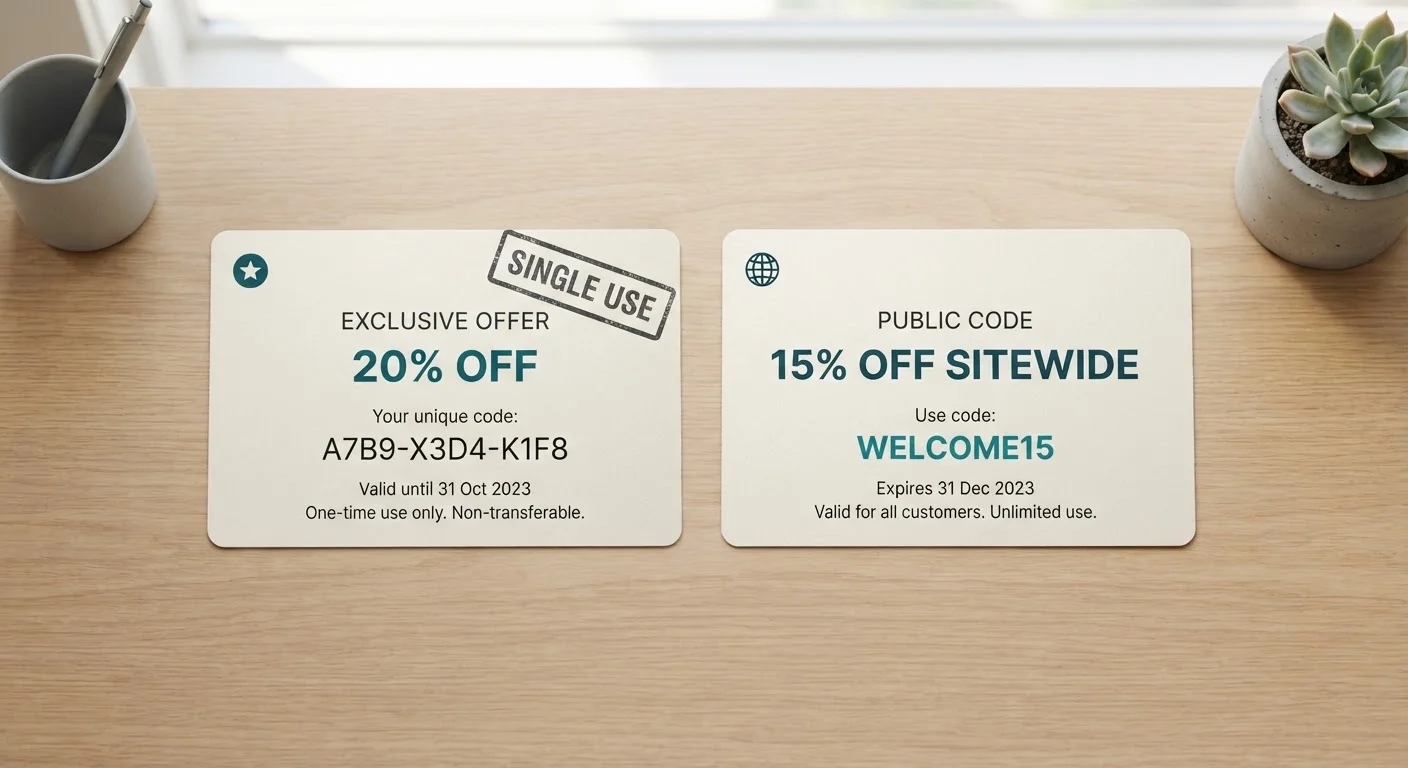
How Each Code Type Is Generated and Distributed
Promo codes fall into two broad categories that differ at the point of creation, not just at the point of redemption. Understanding that distinction makes it much easier to predict how a code will behave.
Single-use codes are generated individually - often by automated systems - and linked to a specific trigger: a cart abandonment event, a loyalty milestone, a referral action, or a win-back campaign. Each code in a batch is unique, and the retailer's system marks it as redeemed after a single use. Even if you share the string with a friend, it will not work a second time. These codes frequently appear in transactional emails and are often tied to a specific email address or account ID.
Public promo codes are created once and distributed broadly - in banner ads, social media posts, influencer partnerships, or email newsletters sent to an entire subscriber list. The same string (for example, SAVE15) works for any shopper until the retailer manually deactivates it or it reaches a total redemption cap. This is the type of code that ends up on coupon aggregator sites and browser extension databases.
For a deeper look at why codes from either category can stop working unexpectedly, see why promo codes stop working.
| Criterion | Single-Use Codes | Public Promo Codes |
|---|---|---|
| Generation method | Individually generated, unique strings | One code created for mass distribution |
| Who can use it | Specific account or email recipient | Any shopper who finds the code |
| Redemption limit | Expires after one use | Valid until retailer deactivates it |
| How it's typically delivered | Personalized email, loyalty portal, referral link | Ads, social media, coupon sites, newsletters |
| Findable on coupon sites? | No - not intended to be shared | Yes - designed for broad discovery |
| Stacking flexibility | Often restricted; check terms | Varies; more commonly stackable |
Why the Difference Matters at Checkout
Confusing these two code types is one of the most common reasons shoppers end up frustrated at checkout. If you pulled a code from a coupon site and it fails, there is a good chance it was originally a single-use code that circulated after one shopper shared it publicly - it was already redeemed the moment someone else used it. The code looks valid; the system just knows it isn't anymore.
On the flip side, if a retailer sends you a personalized discount and you try to apply it to a different account, the validation logic may reject it outright. Some retailers tie single-use codes to a specific email address and will only honor the redemption when the matching account is logged in.
Account-Linked Validation Is Common
Many retailers now validate single-use codes against the account on file at the time of issue. If you're not logged in to the correct account when you apply the code, the system may reject it even if the code string itself is technically unused. Always apply personalized codes while signed in to the account that received them.
Stacking behavior also differs. Public codes are more likely to be stackable with site-wide sales, though retailer rules vary significantly. Single-use codes often come with explicit restrictions - they may not combine with other offers or may only apply to specific product categories. Before assuming a discount works on your full cart, review the terms. Our plain-language guide to coupon code terms breaks down common restrictions worth knowing.
It's also worth noting that common coupon myths - like the assumption that all codes behave identically - can lead to wasted time and checkout errors.
Finding and Using Each Type Effectively
Because public codes are designed for wide distribution, they are the type you can reasonably hunt for before you shop. Browser extensions that auto-apply codes at checkout and dedicated coupon websites both index public codes - see browser extensions vs. coupon websites for a breakdown of how each approach works. The key caveat: public codes on aggregator sites are not always current, so testing at checkout is still necessary.
Single-use codes require a different approach. You cannot search for them - they have to be issued to you. Common ways to receive them include signing up for a retailer's email list, joining a loyalty program, leaving items in your cart, or completing a referral. The trade-offs of signing up for retailer emails are worth weighing before you hand over your address in exchange for a first-order discount.
If you want to understand the retailer logic behind who receives which type of code, how retailers decide who gets a promo code explains the segmentation and targeting systems that drive personalized offers. And once you have a working code in hand, getting the most from a promo code without overspending offers practical habits for applying discounts without inflating your cart.